
Give Visitors Another Way to Start the Conversation.
A customer may be interested without being ready to call. Website chat gives that visitor a simple way to ask a question, describe what they need, and begin an inquiry while they are already on the site.
Add Live Chat to My Website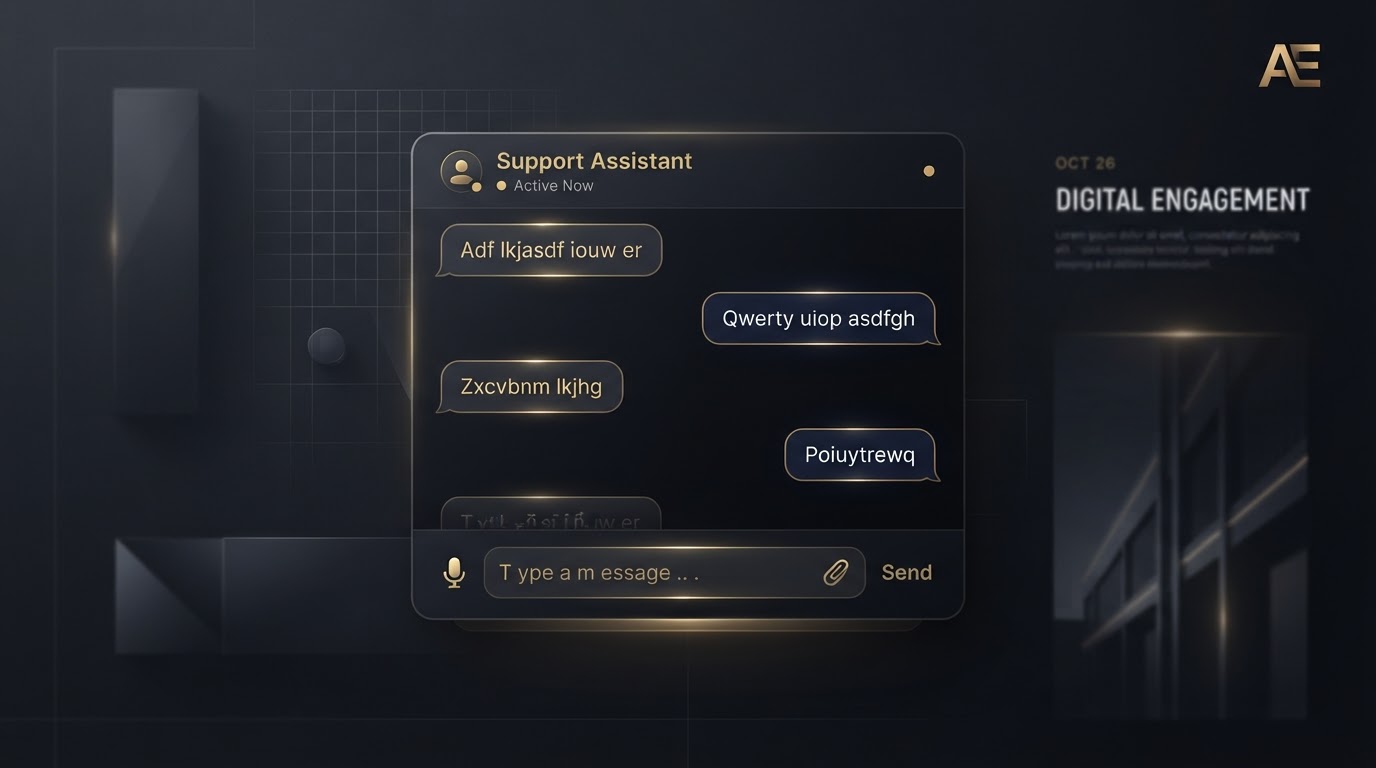
Customer Flow
Visitor opens chat
A low-friction entry point right from the page.
Visitor enters their question or service request
Short conversational prompts gather what they need.
Relevant contact information is collected
Only the details needed to continue the conversation.
The inquiry is routed to the business
New conversations are sent toward the business for follow-up.
The business continues the conversation directly
The relationship picks up where the chat left off.
Why Chat Helps
Lower Friction
Some customers find messaging easier than immediately calling.
Capture Intent
Reach potential customers while they are actively researching.
Fast Follow-Up
New conversations can be sent toward the business for follow-up.
Mobile Friendly
The experience should be easy to use from a phone.
Chat Design Requirements
The chat widget is built to be genuinely helpful — never intrusive or misleading.
- Stay visible without becoming intrusive.
- Avoid covering primary mobile CTAs.
- Clearly state what information is being submitted.
- Use short conversational prompts.
- Collect only necessary information.
- Provide an easy close/minimize control.
- Maintain accessibility.
- Not falsely imply that someone is actively typing when nobody is.
- Not make fake response-time promises.
Live Chat FAQ
Your Website Should Do More Than Exist.
Give your business a professional digital presence designed to turn visitors into conversations, feedback, reviews, and new opportunities — without having to manage the technical side yourself.