
Make It Easier for Customers to Share Their Experience.
Give customers one simple link that routes them based on their experience — happy customers go straight to your Google review page, while customers with concerns are guided to a private feedback page so you can hear from them directly. Put the link on your website or share it with previous customers.
Add This to My Website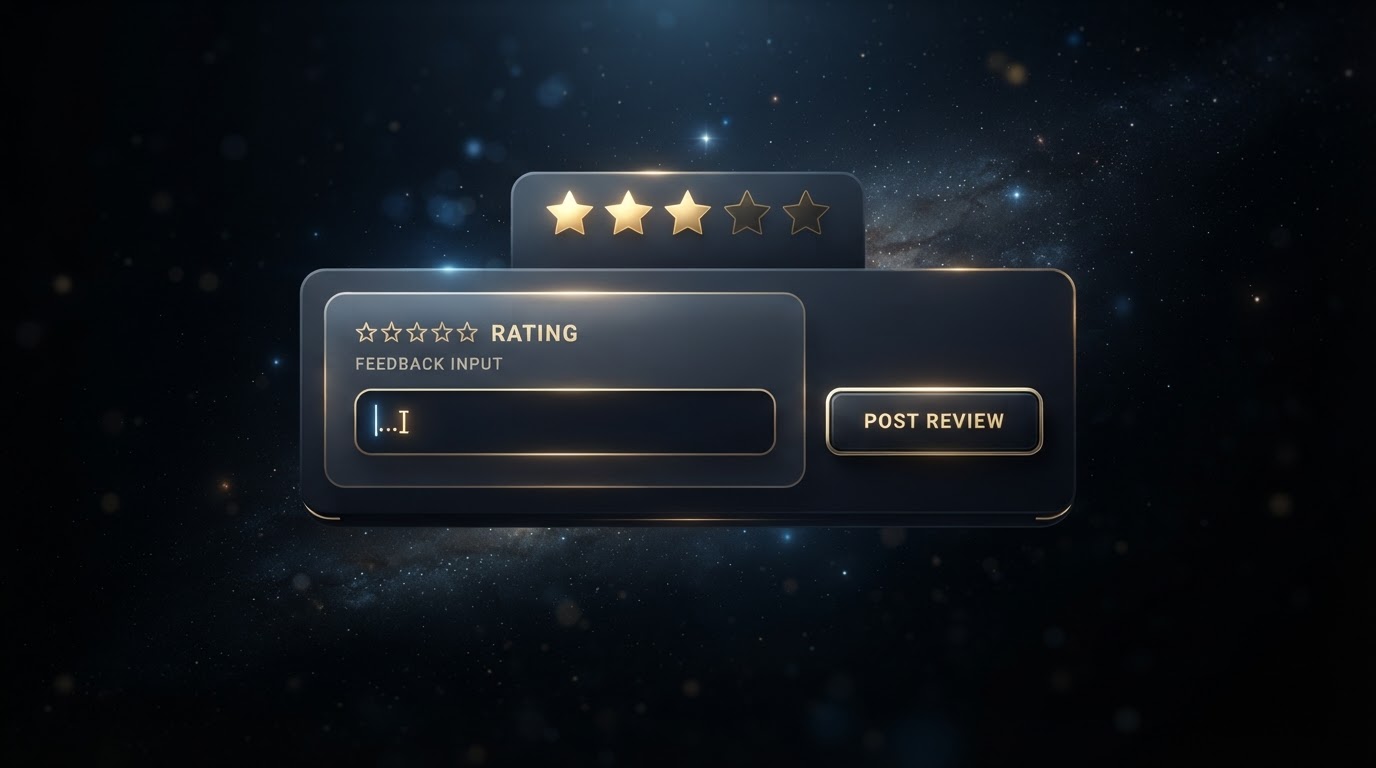
Great Customer Experiences Do Not Automatically Become Reviews.
Customers are busy. Even satisfied customers may never think to review a business unless they are given an easy opportunity to do it. A clear feedback process makes the next step simple while giving the business useful customer insight.
How the System Works
Customer Opens the Link
The link can be accessed from a website review button, text message, email, post-service follow-up, QR code, direct message, or previous-customer outreach.
Customer Picks a Rating
The customer rates their experience from 1 to 5 stars. That single rating decides where they go next.
Customer Is Routed to the Right Place
4 or 5 stars sends them straight to your public Google review page. 1, 2, or 3 stars sends them to a private feedback page to share their concerns directly with you.
4–5 stars → Google review page
Your happiest customers are sent straight to your public Google review page so they can share their positive experience where future customers will see it.
1–3 stars → private feedback page
Customers with a less positive experience are routed to a private feedback page instead of a public review. Their comments come directly to the business, giving you a chance to understand and address the concern.
Not Just for New Customers.
Once the feedback link is ready, a business can share it with previous customers as well as future customers. This creates a repeatable process instead of relying only on customers discovering the review page themselves.
Website Integration
The CTA can appear across the customer journey — homepage, footer, thank-you page, contact follow-up, or a service-completion message.
Avoid manipulative language such as "Give Us 5 Stars." The prompts above invite honest, open feedback.
Reviews & Feedback FAQ
Your Website Should Do More Than Exist.
Give your business a professional digital presence designed to turn visitors into conversations, feedback, reviews, and new opportunities — without having to manage the technical side yourself.